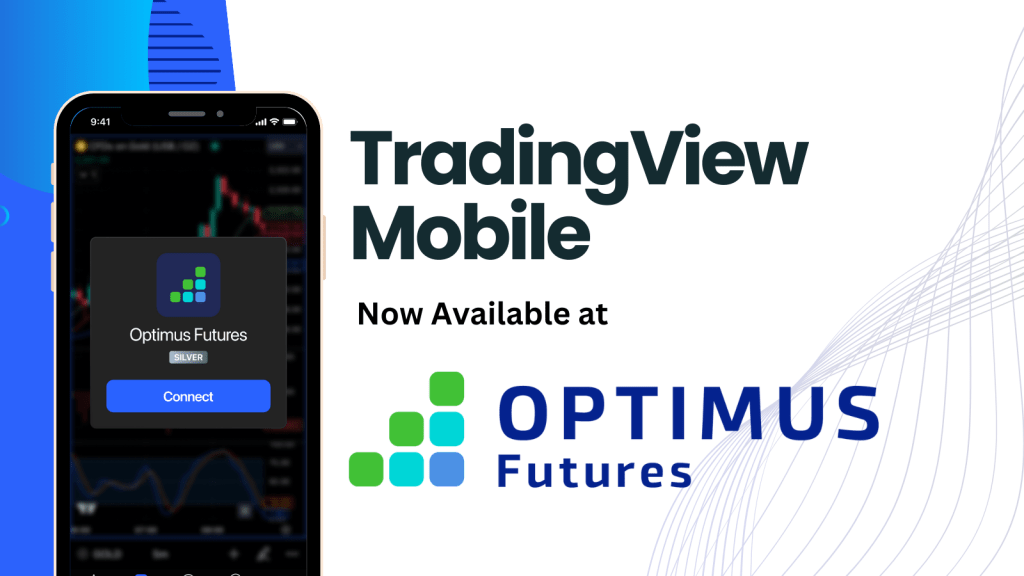
The TradingView Mobile App now offers integration with Optimus Futures, allowing traders to access and trade real exchange-traded futures on mobile devices. This integration is available for both iOS and Android platforms, providing flexibility for users with different devices.
Key Features:
- Mobile access to futures trading
- Compatible with iOS and Android
- Custom integration between Optimus Futures and TradingView
- Use of existing Optimus Futures/CQG Live Trading Credentials
For those interested in learning how to use this new integration, here is a step-by-step guide on how to use place trades using Tradingview’s mobile app:
The video covers:
- How to set up your Mobile Tradingview app for the best trading experience
- Understanding the various types of trading orders available
- Placing market, limit, stop, and conditional orders on Tradingview Mobile
- Modifying and canceling orders on the move
- Monitoring your positions and tracking your performance
- Tips and best practices for effective mobile trading on Tradingview
Existing users with Optimus Futures/CQG Live Trading Credentials can start using the integration immediately. The login process uses the same credentials as their existing account, streamlining the transition to mobile trading.
For new users, click here to learn more about how to get started.
This integration represents a significant development for mobile traders, potentially offering greater flexibility and access to futures markets. As with any trading platform, users are encouraged to familiarize themselves with the tools and consider their trading goals and risk tolerance before engaging in live trading.