TradingView – How to Create a Real-Time Demo with CQG

This video demonstrates how to create a simulate trading account usable on Tradingview’s web based platform as well as CQG’s TradingView web based platform.

For a free Tradingview account, click here http://www.optimusfutures.com/TradingView.php

questions? email us at [email protected]

There is a substantial risk of loss in futures and forex trading. Past performance is not indicative of future results.
Talk about it in the community

Subscribe to the Futures Trading Newsletter

In the newsletter
  • Trading Tips and Strategies
  • Weekly Market Updates
  • Platform Tutorials
  • Free Trade Setups
Looking for content on something specific?
What Optimus
Customers are Saying ...
Recent Platform Updates

Recent Blogs

Related Articles

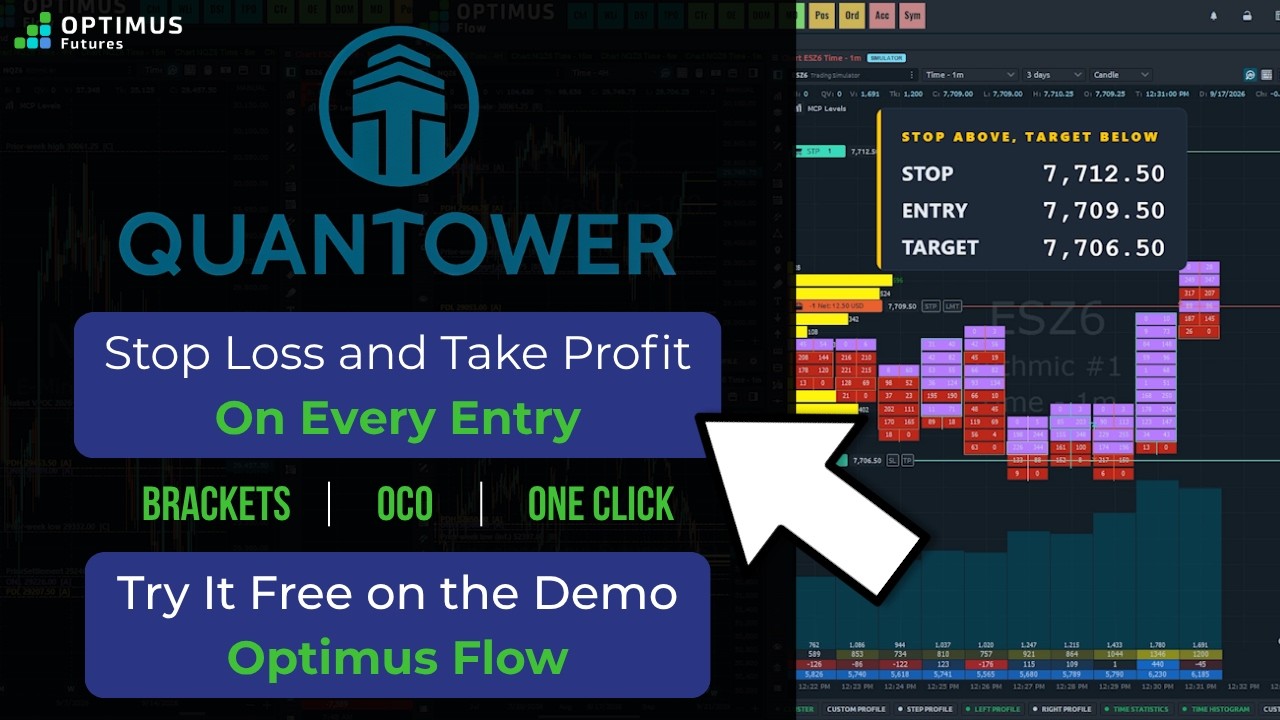
Quantower Bracket Orders: Set Your Stop and Target Once #futurestrading
A bracket order in Quantower attaches your stop loss and take profit the moment your entry fills, so...
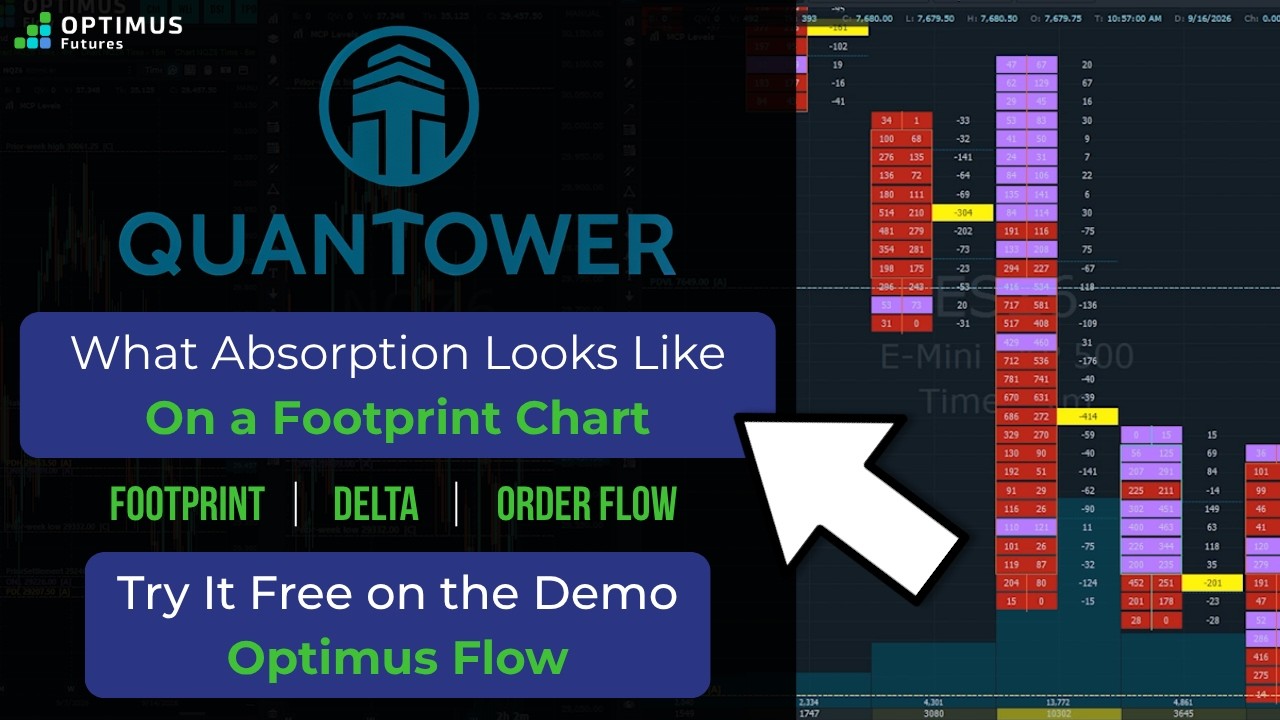
How to Read Footprint Chart Absorption in Quantower #futurestrading
Absorption on a footprint chart is a stack of volume at one price: aggressive orders keep hitting one...
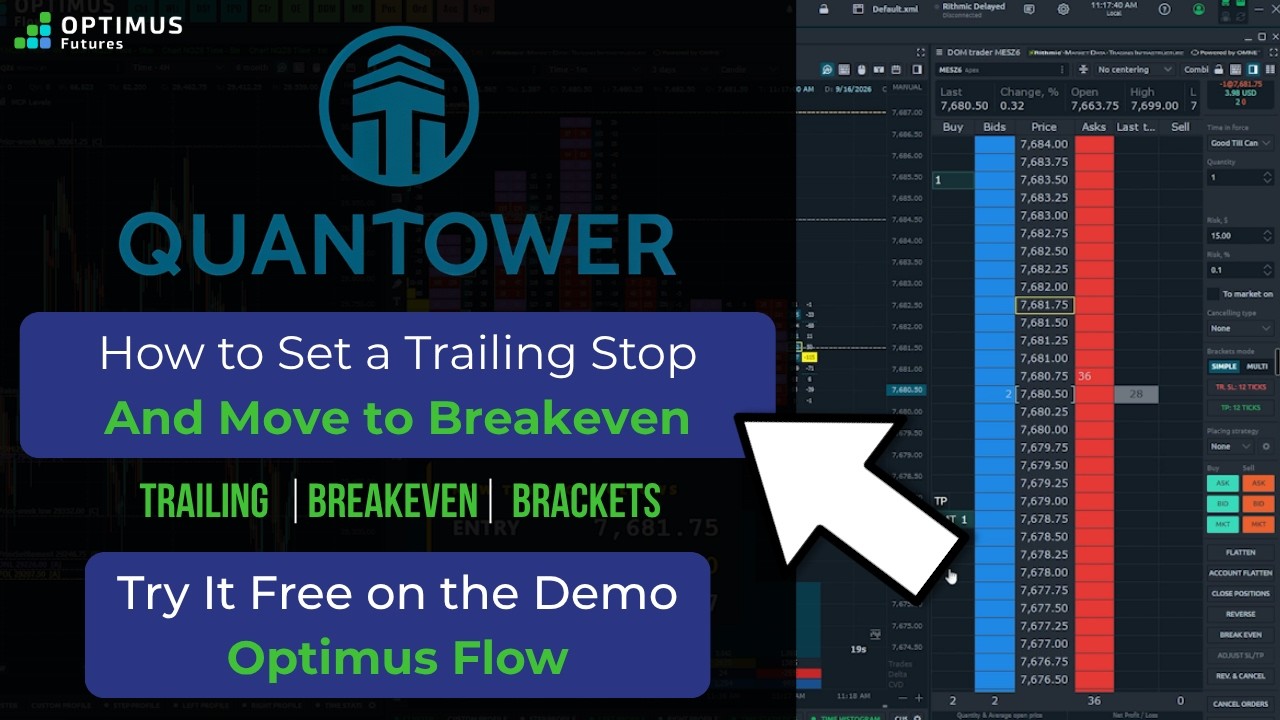
How to Set a Trailing Stop in Quantower #futurestrading
A quantower trailing stop in Optimus Flow is not a special type of order. It is a regular stop that keeps...