Optimus Futures Overall Rating

Pros:
Integrated Data Feed (CQG) – 75+ Exchanges & Data Sources.
Advanced Charts, Studies, & Drawing Tools – 100’s of pre-built pages, templates.
Footprint® Charts – MD is the creator of Footprint® charts.
Multiple Trading Interfaces – Lifetime Sim Account, DOM, Trade from Chart.
Cons:
Slightly Expensive
Pricing: $199 per month
General Overview of Trading Platform
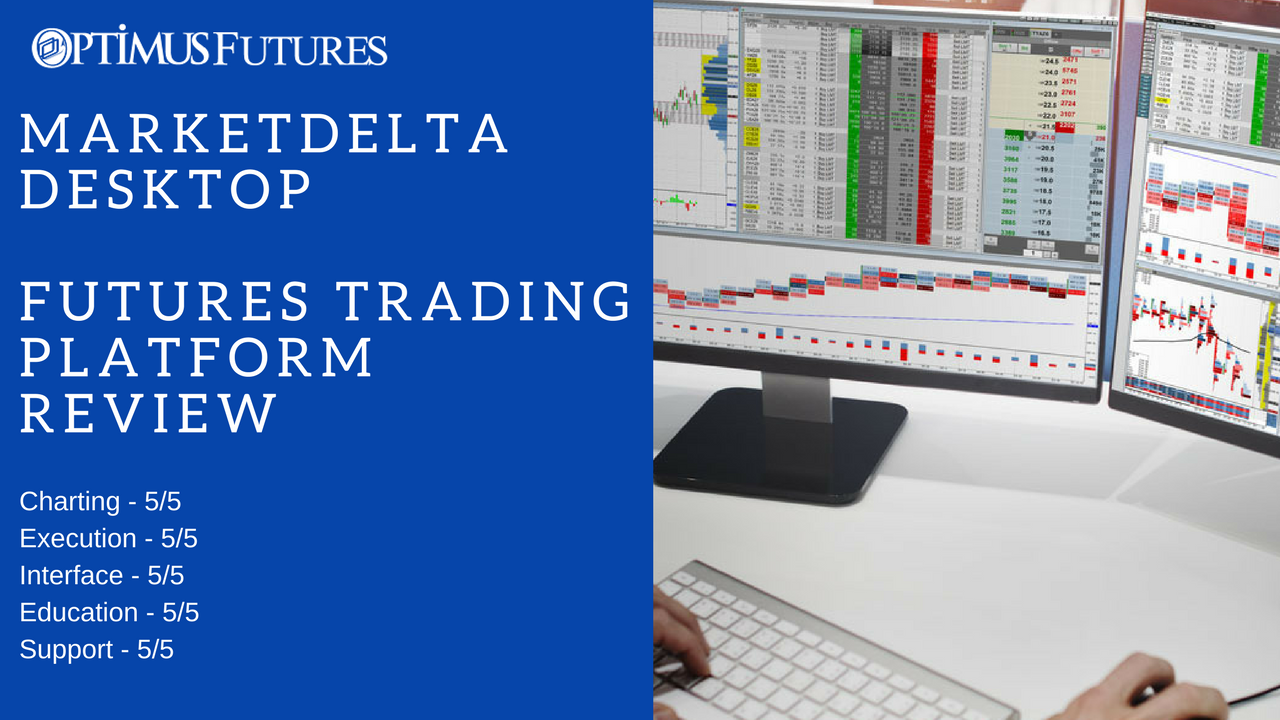
MarketDelta® Desktop is a professional grade trading software that has everything you need without the requirements of running additional 3rd party software or plugins. MarketDelta Desktop is not just charts or just trading. It is a complete trading platform, making it easy to chart and place trades. Plus, MD is backed by 24 hour telephone support. So if you do ever need help it is just a phone call away and manned by offices around the globe.
MarketDelta Charting
One of the key benefits of MarketDelta® Desktop is the built-in Footprint charts. MarketDelta is the creator of Footprints Charts which provides 3x more chart visibility. Footprints let you look inside the bars and track buyers, sellers, volume and order flow in a single bar. Footprints provide an intra-bar view…”see inside the chart”… to have early clues of market movement. Imbalance Footprints use a built in order flow algorithm that shows volume imbalances in real time. MarketDelta has 22 different charts types with over 100 studies and drawing tools that fit the needs of novice traders all the way up to advanced prop trading needs.
Charting Highlights:
- Over 100 pre-built layouts, making it easy to see examples and build your own.
- Trade from the charts – integrated trading experience is fast, stable, and easy to use.
- Configurable toolbars, colors, sessions, etc.
- Volume Profile – see high resolution profiles.
- Cumulative Delta – making it easy to confirm the price trend with volume and delta.
- View spreads, outrights, and continuous contracts.
- Create your own custom studies or import a colleagues.
MarketDelta Execution
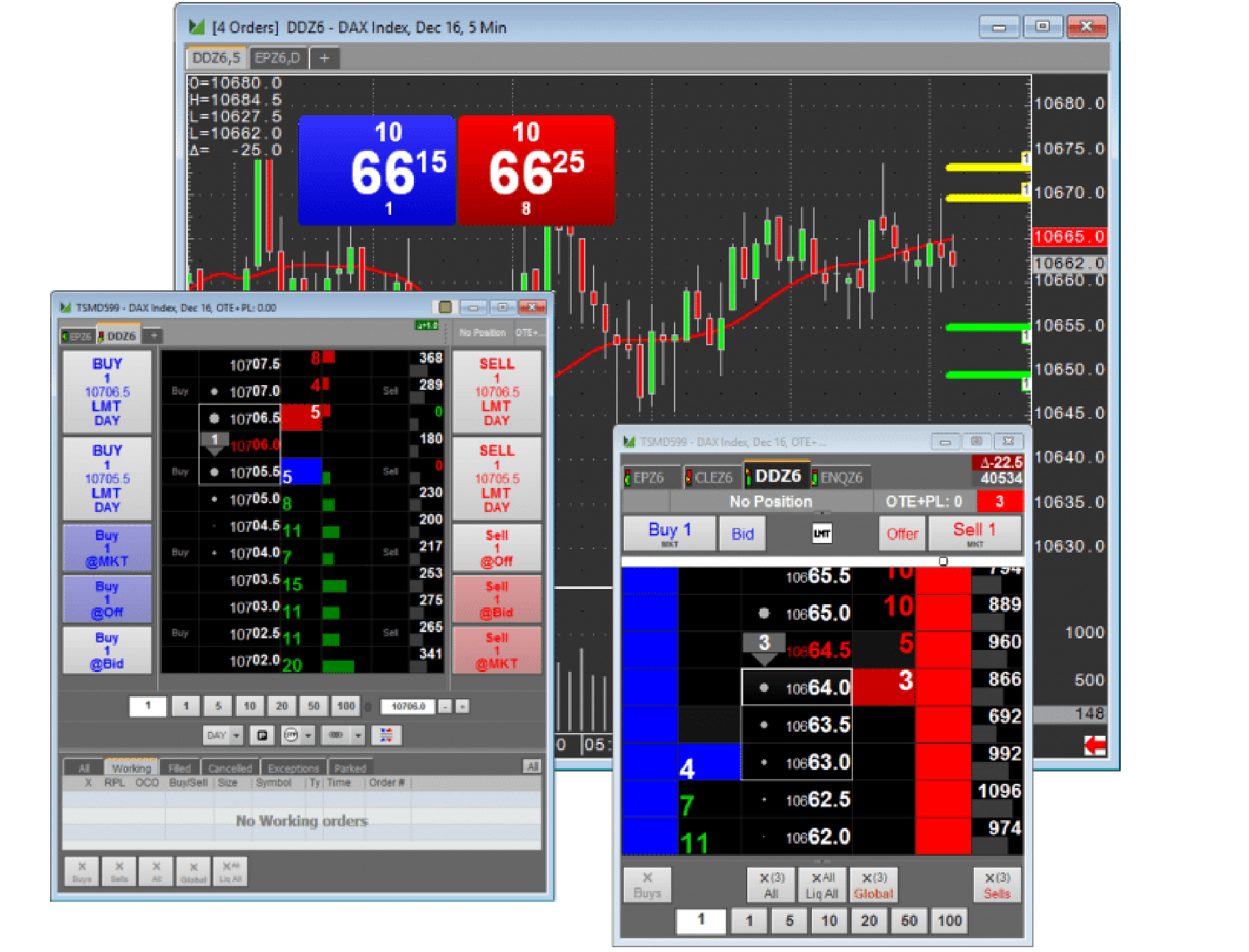
At the core of the MarketDelta platform is integrated trading. This means you don’t need to configure 3rd party software that is prone to errors, lags, or freezing. With MD it is built into the code and works seamlessly.
Execution Highlights:
- Route trades to over 40+ of the world’s leading futures markets.
- All order types supported, including OCO’s and trailing stops.
- Trade from DOM, Chart, Order Ticket, Spreadsheets, or FX Style ticket.
- Connect study outputs to orders so they automatically adjust with the study.
- Runs on the CQG order routing network, the best available.
- Switch back and forth between sim and live account. Sim account works for as long as you subscribe to MarketDelta.
- Trade outrights, inter or intra commodity spreads.
- Analyze all your trading activity in a single, easy to use window.
MarketDelta User Interface
MarketDelta’s interface is well suited for long term position holders and/or a day traders. The DOM, charting and account balances are all visible and allow you to follow the P&L in an easy manner. The layout of the platform is balanced and allows the trader to go from one window without requiring you to close and open multiple windows. The background colors are configurable, and as such, the trader can adjust his/her trading platform against any palette that they are comfortable with. In our opinion, the DOM execution is easy and intuitive and traders should learn to use that specifically for execution.
Education & Training
MarketDelta offers educational courses that are geared towards day traders who are engaged in volume analysis and want to understand interaction between buyers and seller throughout the day. It is a video based course that teaches fundamentals, as well as basic and advanced strategies for using and applying the Footprint, all from the team that created the Footprint. The education is also accompanied with a live daily trading demonstration.
Support
MarketDelta offers 24 hour telephone support through CQG. Besides normal technical support matters, they have a team of product specialist who can assist in building custom studies or charts.
Summary
The combination of CQG technology, FootPrint charting along with the fast execution gives Market Delta a professional edge to Futures trading. While many trader rely on a number of solutions combining charting and execution, the MarketDelta Desktop platform provides an all in one solution.
Feature List:
- Automated Strategies
- Automated Trading Capability
- Automatic Bracketing
- Block Trading Capability
- DOM/Market Pane
- EXCEL – Spreadsheet interface
- Historical Charting
- Hot Key trading
- Linked Account Trading Capability
- Market Profile® Charts
- Mobile Trading
- OCO (order cans. order)
- Order Cancels Order
- Reverse Feature
- Server-Side Orders
- Simulated Trading
- Spread Trading
- Streaming Quotes
- Trade Out Feature
- Trailing Stops
Other Information:
Options Trading Capability: Yes
Open API: No
Programming Language: C++, C# & Visual Basic
If you have questions about the functionalities of MarketDelta, join our community here: MarketDelta Q&A
Click Here for a Free Demo
Or Trade Live on MarketDelta Desktop with an Optimus Futures Brokerage Account
Available from the following FCM’s:
>AMP
>ADMIS
> Wedbush