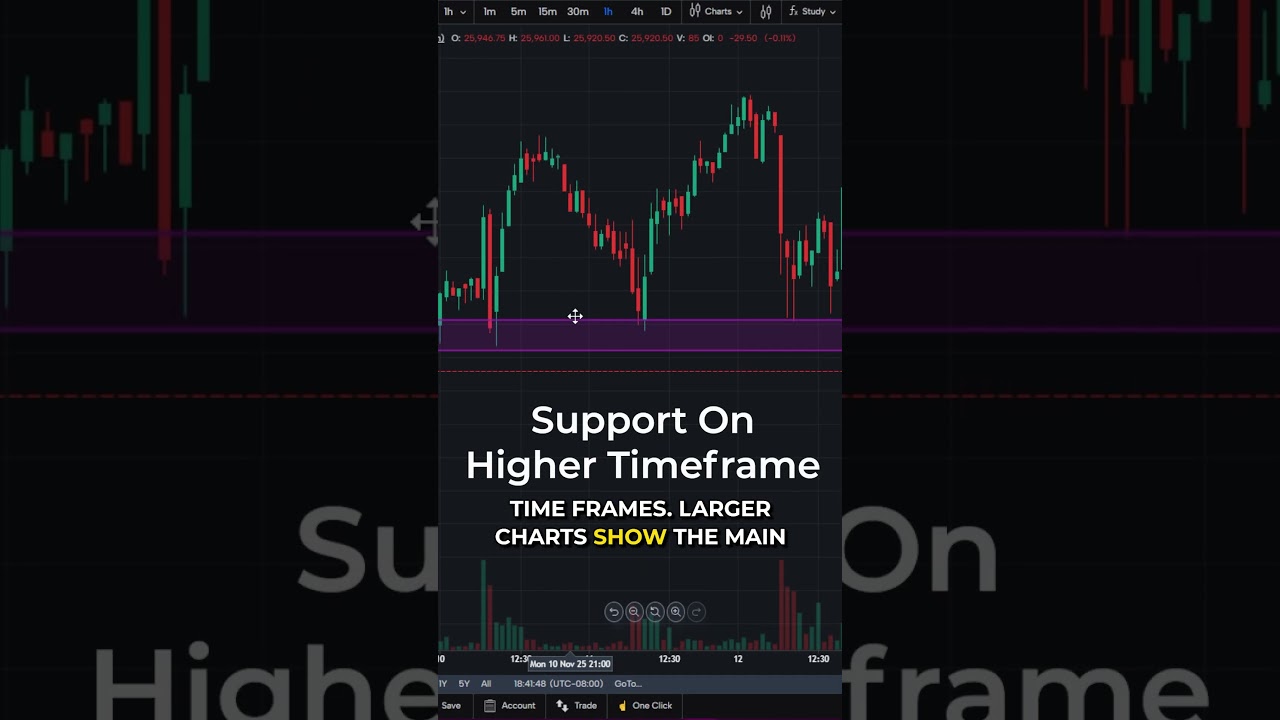
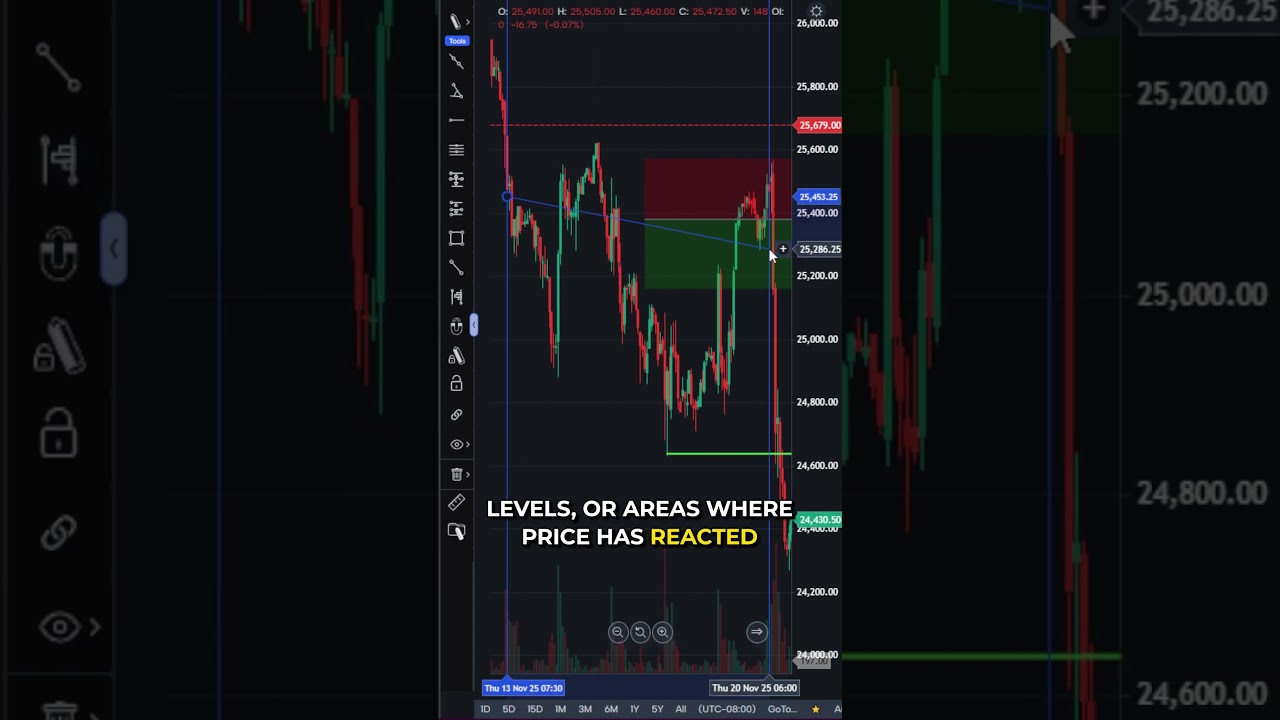
Streamline your mobile charting workflow by adding your most-used drawing tools to a favorites bar in TradingView Mobile.
Here’s how to set it up in just a few taps:
✅ Tap the pencil icon to open your drawing tools
✅ Tap and hold any tool, like Trend Line or Horizontal Ray
✅ Select “Add to Favorites”
Your selected tools will now appear in a quick-access bar, making chart markup faster and more efficient.
There is a substantial risk of loss in futures trading. Past performance is not indicative of future results. When considering technical analysis, please remember educational charts are presented with the benefit of hindsight. Market conditions are always evolving, and technical trading theories and approaches may not always work as intended. The placement of contingent orders by you or broker, or trading advisor, such as a “stop-loss” or “stop-limit” order, will not necessarily limit your losses to the intended amounts, since market conditions may make it impossible to execute such orders. The high degree of leverage that is often obtainable in commodity interest trading can work against you as well as for you. The use of leverage can lead to large losses as well as gains. Optimus Futures, LLC is not affiliated with nor does it endorse any trading system, methodologies, newsletter or other similar service. We urge you to conduct your own due diligence.