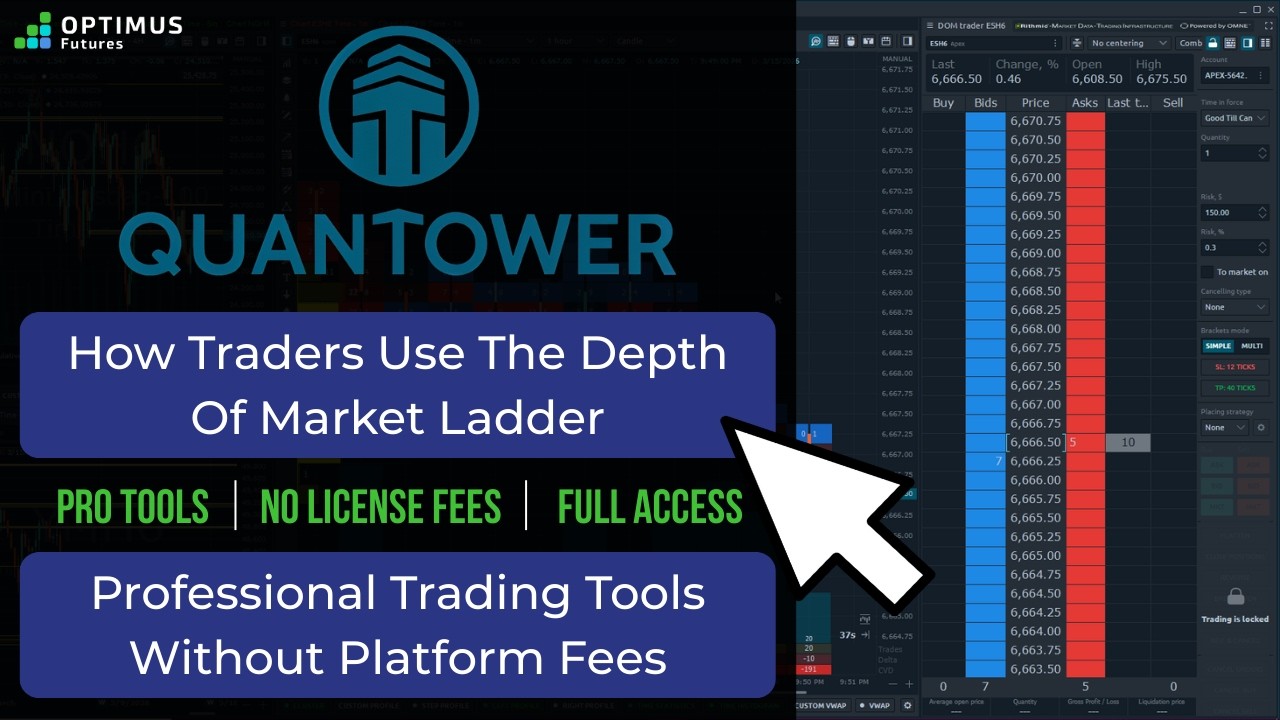
CQG Trader is a futures trading platform which offers execution through its DOM (Depth of Market) execution. CQG Trader includes a quote board, working order and Open Positions, Purchase and Sale, and Account Summary. There is no charting attached to this platform.
Those who trade on it focused on execution while getting their charting from other applications.
General Features:
- One the better visual displays of the DOM(Depth of Market)
- Precise accounting of account balance summary
- Configurable DOM that adjusts order placement according to price input
- Options Futures execution with SPAN-based margins
- Futures spread traded as one symbol
Configurable Features:
- Order and positions setting
- Display Configuration (Order Placement Display, Order and Positions Settings)
- Order Placement (DOM Trader, Order Placement)
- Quote View Style
- Notifications (Order Sounds: Filled, Acknowledged, Reject)
- Key Action Help (Keyboard shortcuts)
Disadvantages: The platform does not contain charts or a global button to cancel all open orders across all futures contracts. You need to cancel open orders doing one Futures order at a time.
Overall CQG Trader is a robust trading platform developed by one of most advanced charting applications in the industry. If you are seeking straightforward application with visibility to orders, executions, balance, and OCO based performance, this platform could be the futures trading platform for you.