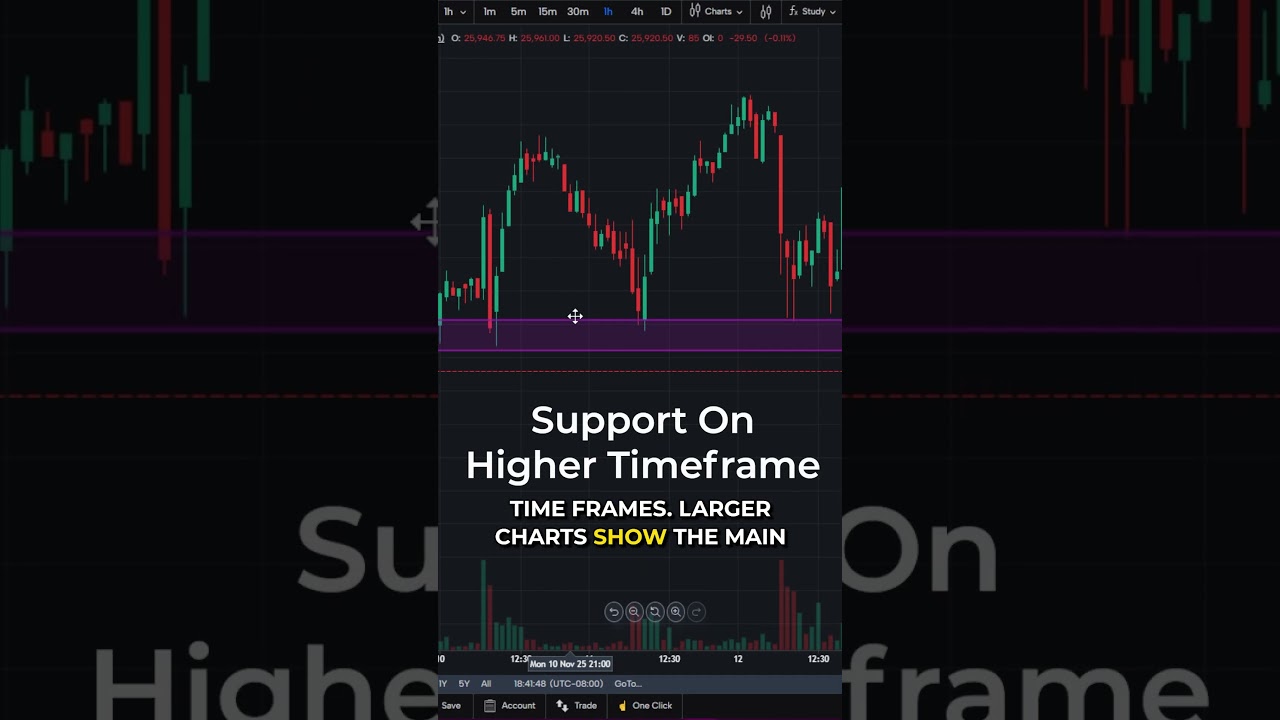
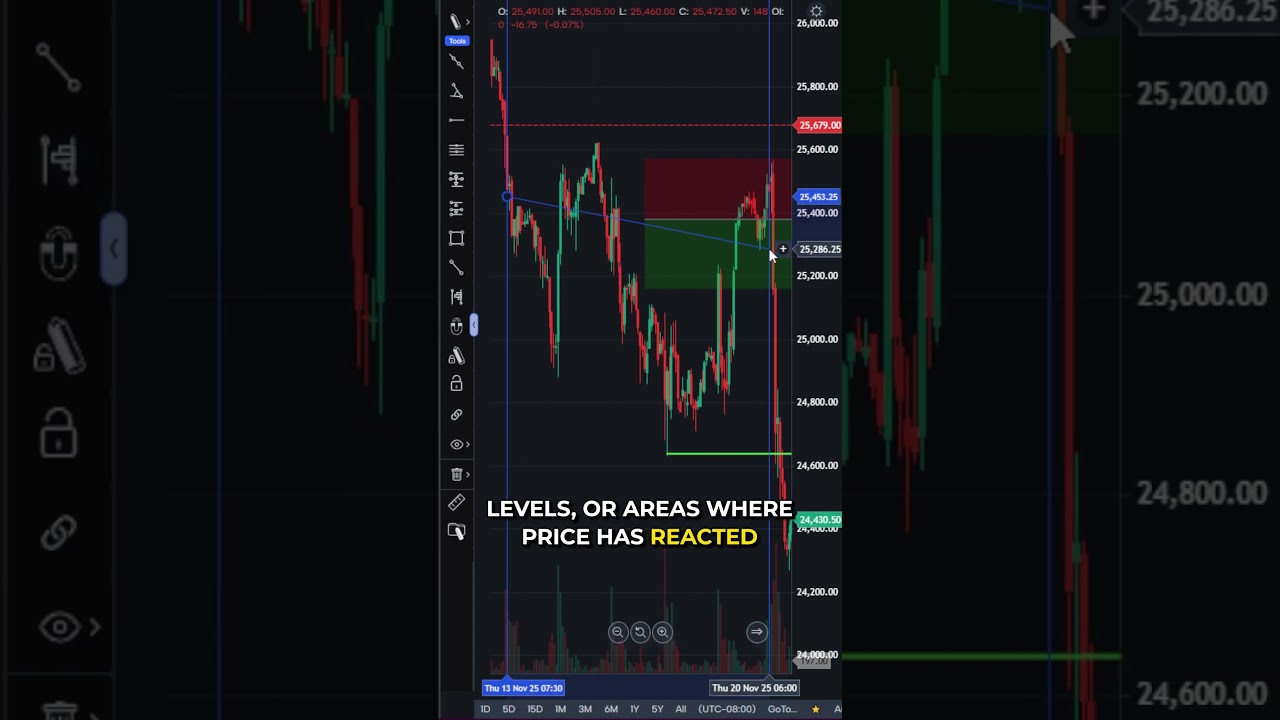
Manage orders fast with Optimus Futures Web. This quick walkthrough shows how to cancel, modify, or adjust your active orders directly from the chart.
You’ll learn how to:
✅ Click the “X” to cancel an order instantly
✅ Cancel TP or SL lines individually for OCO setups
✅ Drag any order line to adjust its price
✅ Right-click the chart and select “Clear Orders” to remove all
This makes active trade management smooth and stress-free.
Try the platform for free — visit demo.optimusfutures.com
There is a substantial risk of loss in futures trading. Past performance is not indicative of future results. When considering technical analysis, please remember educational charts are presented with the benefit of hindsight. Market conditions are always evolving, and technical trading theories and approaches may not always work as intended. The placement of contingent orders by you or broker, or trading advisor, such as a “stop-loss” or “stop-limit” order, will not necessarily limit your losses to the intended amounts, since market conditions may make it impossible to execute such orders. The high degree of leverage that is often obtainable in commodity interest trading can work against you as well as for you. The use of leverage can lead to large losses as well as gains. Optimus Futures, LLC is not affiliated with nor does it endorse any trading system, methodologies, newsletter or other similar service. We urge you to conduct your own due diligence.