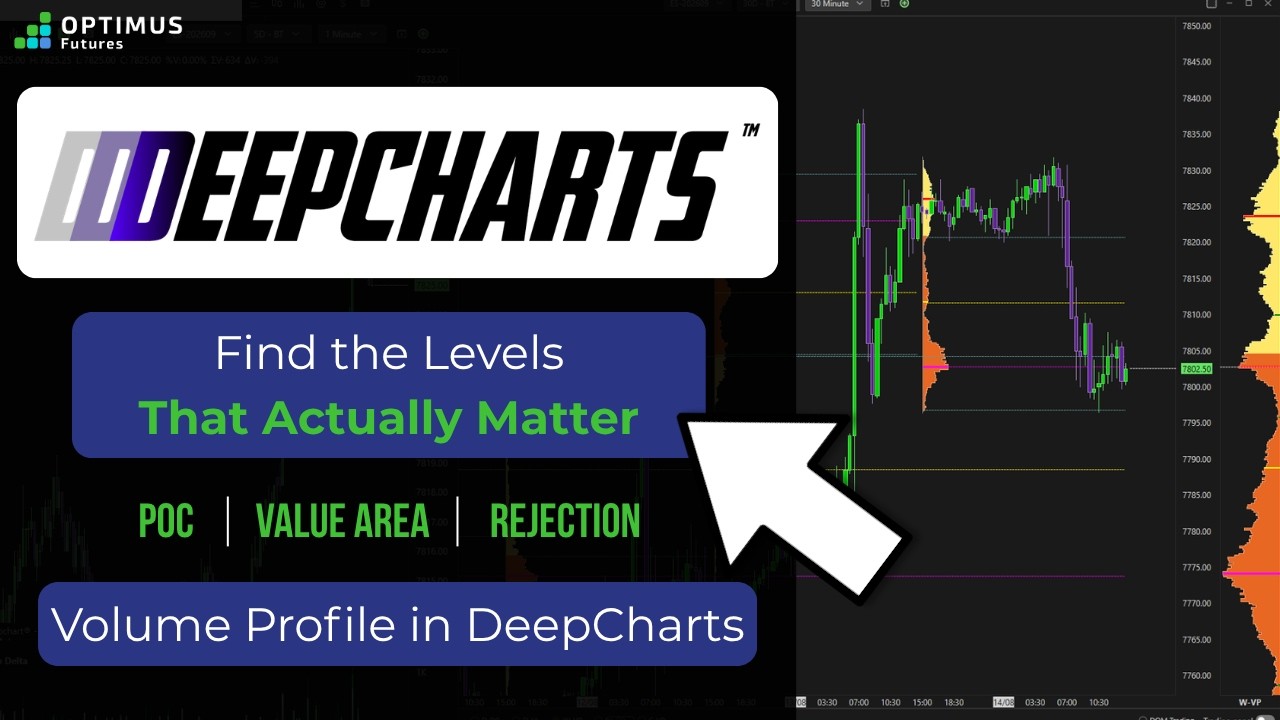
How to Display Volume Profile on TradingView

This video shows you how to display a volume profile directly on your chart as well as customizing it for a specific time range. We show how you can get rid of unwanted charting lines and how to fully remove this indicator should you no longer want it displayed.

Volume Profile on TradingView

To experience Volume Profile trading on TradingView, please visit our page: https://optimusfutures.com/TradingView.php 

Q and A for TradingView: https://community.optimusfutures.com/c/futures-trading-platforms/tradingview

There is a substantial risk of loss in futures trading. Past Performance is not indicative of future results.
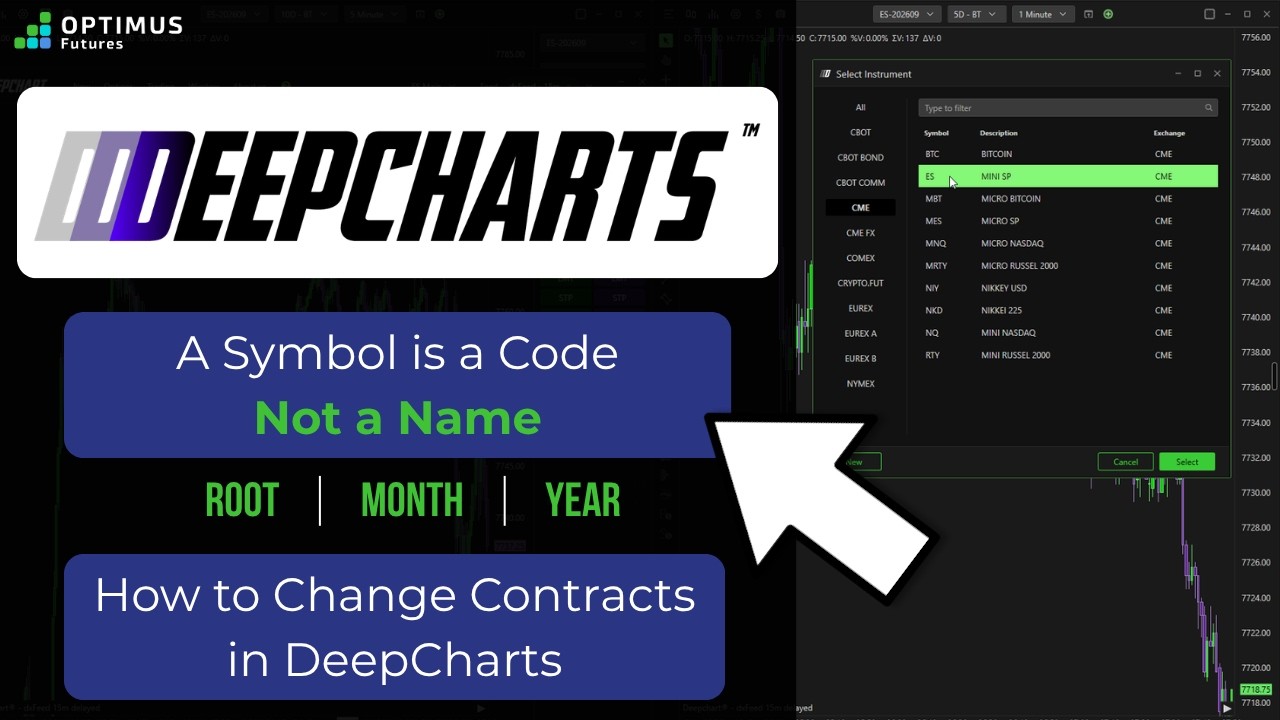
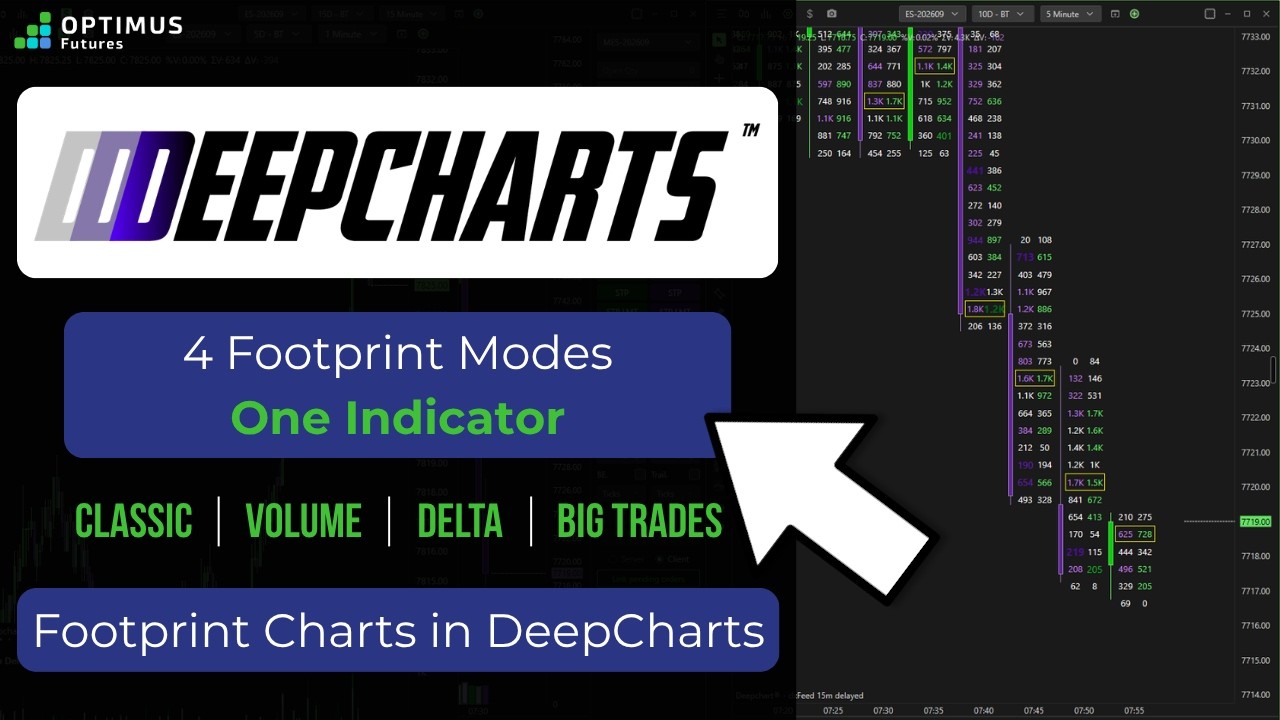
Talk about it in the community

Subscribe to the Futures Trading Newsletter

In the newsletter
  • Trading Tips and Strategies
  • Weekly Market Updates
  • Platform Tutorials
  • Free Trade Setups
Looking for content on something specific?
What Optimus
Customers are Saying ...
Recent Platform Updates

Recent Blogs

Related Articles

Recent Federal Reserve updates have led to increased attention across futures markets
Recent Federal Reserve updates have led to increased attention across futures markets. Learning how policy...
Why I made the switch to futures
Why I made the switch to futures #daytrading #investing #daytrader #futurestrading
Stop Chasing Price: Market Order vs Limit Order in Futures
Market order vs limit order decisions can make or break your execution. In this video, you’ll learn exactly...