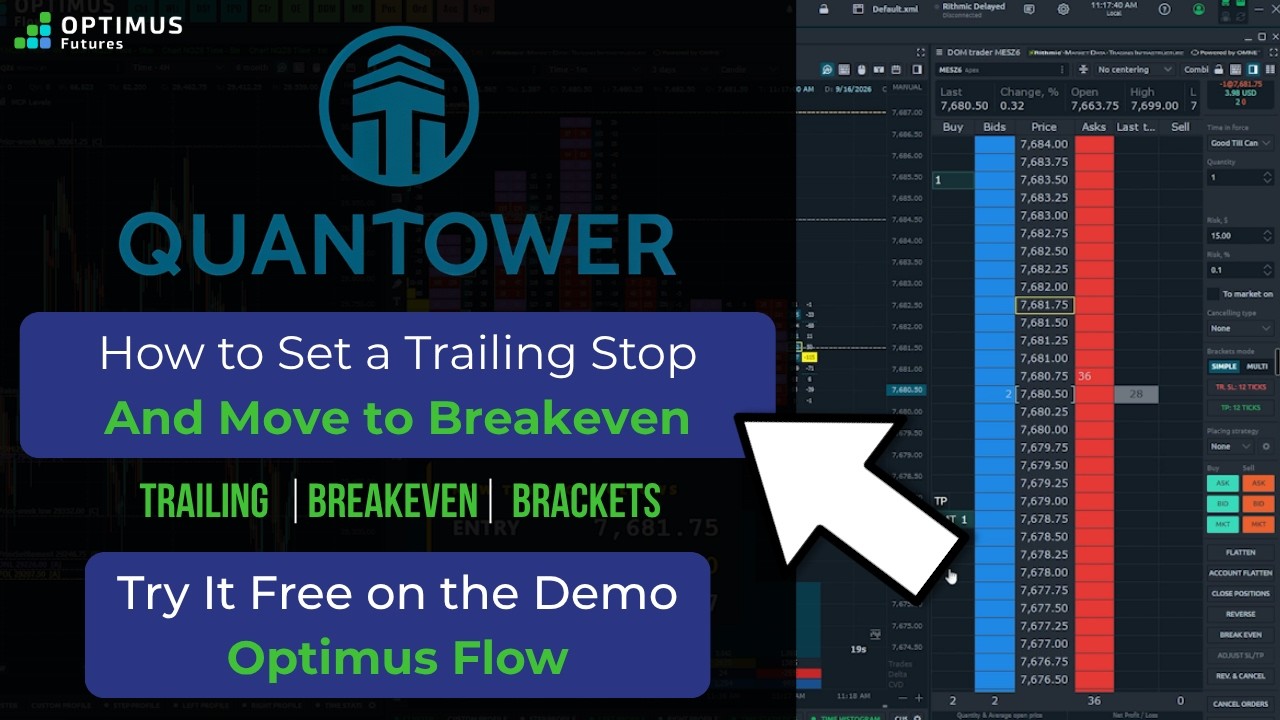
A quantower trailing stop in Optimus Flow is not a special type of order. It is a regular stop that keeps moving on your behalf as price moves in your favor. This video shows how to set one up in the bracket settings, how the tick distance works, and how the breakeven button differs.
In this tutorial, you will learn:
– How to turn on a trailing stop in the bracket settings, and set its distance in ticks
– How to add a take profit alongside the trailing stop
– What the tick number actually means: how far from price the stop starts
– How to turn trailing off, and why to set it before you enter
– A trailing stop in action on a live position, ratcheting down as price moves
– How the breakeven button moves your stop to your entry price in one move
– Where the trailing actually runs: the exchange, your connection provider, or the platform on your desk
Optimus Flow is powered by Quantower and is free for Optimus Futures clients with a funded account, with no separate platform fee. Account minimums vary by contract type and by clearing firm, and current commissions, margins and pricing are on the pricing page linked below.
Chapters
[0:00] What a trailing stop is
[0:26] Set up a trailing stop in Optimus Flow
[1:05] What the tick distance means
[1:27] Turning trailing off, and setting it before you enter
[1:54] A trailing stop in action
[2:42] The breakeven button
[3:11] What actually moves the stop
[3:51] Recap
Want to learn more about Optimus Futures? Visit our website: https://optimusfutures.com/
Learn to Trade Futures: https://learn.optimusfutures.com
Our commissions, margins, and pricing: https://optimusfutures.com/Futures-Trading-Pricing.php
Open an account with us today! https://optimusfutures.com/Futures-Commodities-Trading-Account.php
Please don’t forget to like the video, comment, and subscribe! THANKS FOR WATCHING!
There is a substantial risk of loss in futures trading. Past performance is not indicative of future results. When considering technical analysis, please remember educational charts are presented with the benefit of hindsight. Market conditions are always evolving, and technical trading theories and approaches may not always work as intended. The placement of contingent orders by you or broker, or trading advisor, such as a “stop-loss” or “stop-limit-order, will not necessarily limit your losses to the intended amounts, since market conditions may make it impossible to execute such orders. The high degree of leverage that is often obtainable in commodity interest trading can work against you as well as for you. The use of leverage can lead to large losses as well as gains. Optimus Futures, LLC is not affiliated with nor does it endorse any trading system, methodologies, newsletter, or other similar service. We urge you to conduct your own due diligence.