May 22, 2019

All
Beginner
Intermediate
Advanced

Select a level of trading experience for curated content

Optimus Trader – How to Login and Establish a Connection to the Rithmic Datafeed
Optimus Trader - How to Login and Establish a Connection to the Rithmic Datafeed
The following video will demonstrate how users can log in on the Optimus Trader platform and where they...
Optimus Trader – How to Reset your Password
Optimus Trader - How to Reset your Password
Optimus Trader handles it's password reset request through the convenient use of tokens. A password reset...
Optimus Trader – How to Activate One-Click Trading
Optimus Trader - How to Activate One-Click Trading
Many traders need the ability to place a trade the instant they click the buy or sell button, otherwise,...
Optimus Trader – How to Customize Charts with Indicators, Drawing Tools, and Time Intervals
Optimus Trader - How to Customize Charts with Indicators, Drawing Tools, and Time Intervals
Optimus Trader is packed with features enabling trader's creativity and the ability to customize the...
Optimus Trader – Introduction to the Chart Widget
Optimus Trader - Introduction to the Chart Widget
This video will introduce users to the capabilities and functions of charts on Optimus Trader. For a...
Optimus Trader – How to Apply a Futures Symbol to Various Widgets
Optimus Trader - How to Apply a Futures Symbol to Various Widgets
This video will guide users through the process of applying a futures trading symbol to various widgets...
Optimus Trader – Introduction to the Platform
Optimus Trader - Introduction to the Platform
Optimus Trader gives it's users the power to fully customize and configure the platform to their liking....
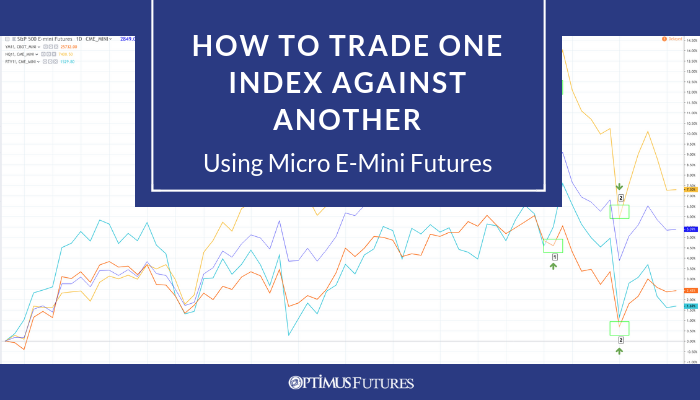
Index-VS-Index-Micro-E-Mini-Futures
How to Trade One Index Against Another Using Micro E-Mini Futures
This article on How to Trade One Index Against Another is the opinion of Optimus Futures. As traders...

Futures Trading Community

Lorem ipsum dolor sit amet, consectetur adipiscing elit. Sed tincidunt ante eu turpis fermentum, ac et.