
Trade Futures with DeepCharts Through Optimus Futures
Institutional-grade order flow analysis powered by Optimus Futures Rithmic and CQG data feeds. Deep Prints, Deep Trades, Volume Profile, and DOM in one Windows desktop platform.
Platform Overview
What Is DeepCharts?
DeepCharts is a Windows desktop order flow and footprint chart platform built for professional futures traders. It ingests Market-By-Order (MBO) data: the raw exchange feed that institutional desks use, and makes it visual and actionable.
Through Optimus Futures’ direct Rithmic and CQG gateways, your DeepCharts setup receives unfiltered, sequence-level exchange data. Every order, every iceberg, every institutional sweep, revealed in real time.
Core Features
DeepCharts Core Features
Six proprietary tools. One principle: follow the smart money.
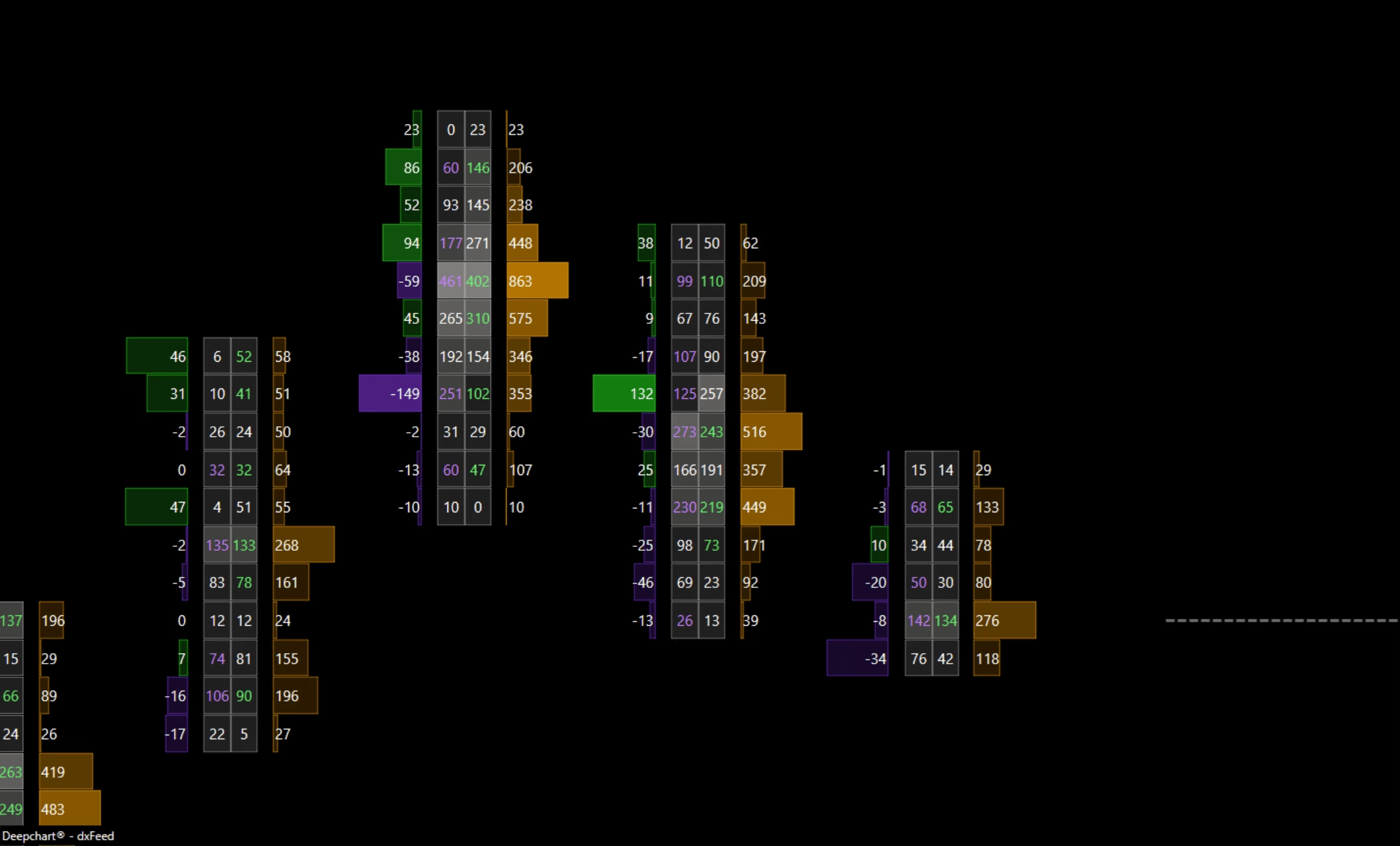
Deep Prints®: Footprint Charts
Bid/ask volume distribution inside every candle. Classic Footprint, Orderflow Profile, Delta Profile, and Big Trades visualization. Reveals absorption, exhaustion, and trapped traders in real time.
Signature FeatureDeep Trades: Institutional Filter
Surfaces large, institutional-sized executions in real time. The Big Trades Analysis algorithm auto-calibrates thresholds per symbol. See it the instant it prints, before it moves price.
Proprietary AlgorithmVolume: Profile & Market Profile
Daily, weekly, composite, and custom-session profiles with delta profiles. Value area, POC, high/low-volume nodes. Pseudo-profiles spanning 10+ years of history. VWAP and anchored VWAP.
Advanced AnalyticsDOM: Advanced Order Book
Heatmap-based DOM ladder with historical order tracking. See where large limit orders were placed, pulled, or filled. Execute trades directly from the depth of market with one-click precision.
Full-Depth MBODeep Replay: Tick Backtester
True tick-for-tick historical replay. Footprint charts render accurately throughout. Backtest with a demo account, gather data to the tick and contract. Tick or Minute data, your choice.
Strategy DevelopmentExecution: Trading Terminal
Execute from chart, DOM, or panel. Automated OCO strategies, brackets, breakeven, and trailing stops, client or server-based. Built-in Trade Copier syncs across multiple accounts instantly.
Full Execution SuiteDeeper Look
DeepCharts Platform: A Deeper Look
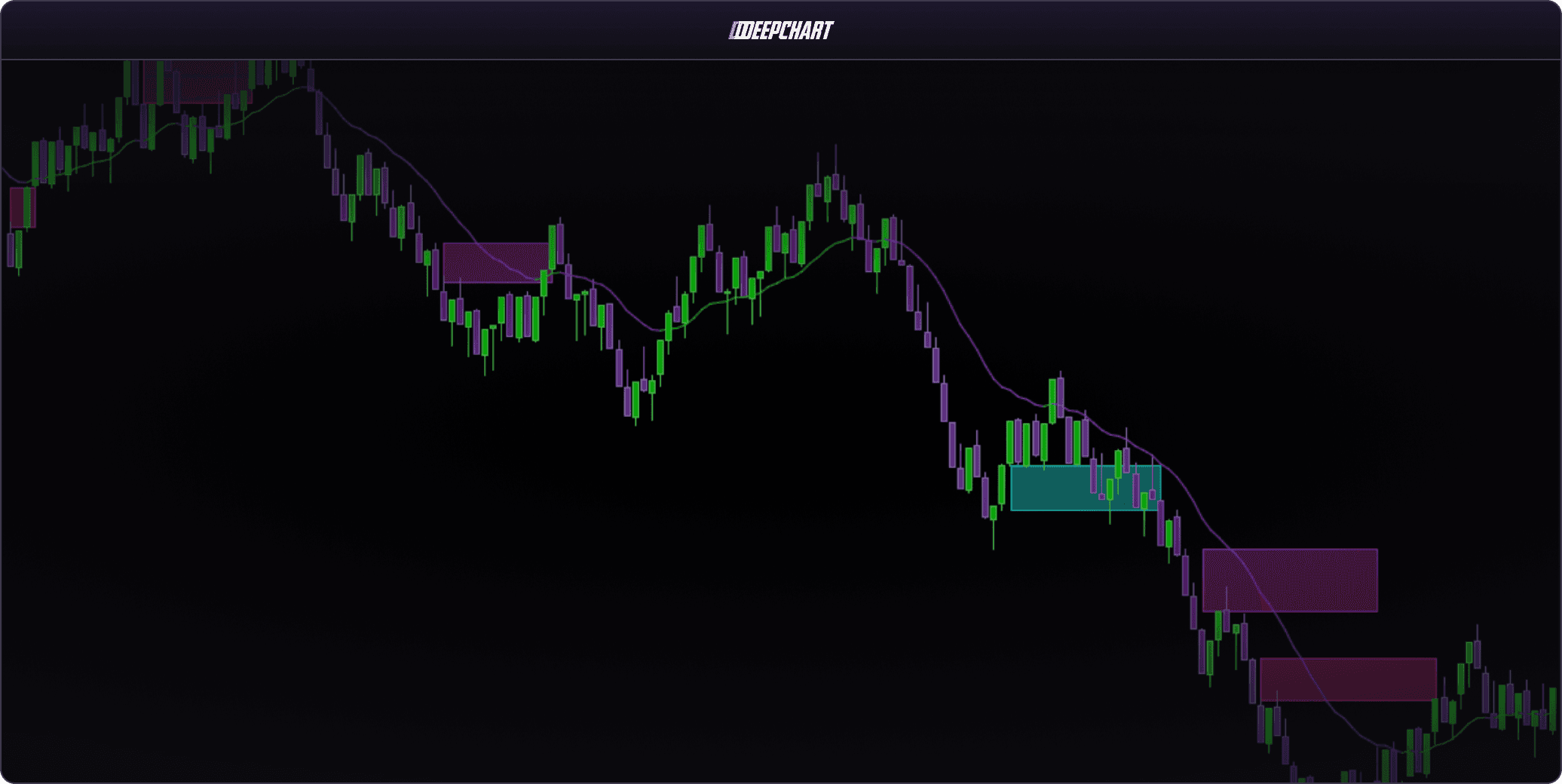
Deep Prints®: There’s Levels to Footprint Charts
Deep Prints goes beyond basic candlesticks, combining price, volume, and order flow into a single candle. Spot absorption, exhaustion, trapped trades, and directional acceleration in real time.
Four visualization modes: Classic Footprint, Orderflow Profile, Delta Profile, and Big Trades. Toggle between them with one click.
- Bid/ask split volume at every price level
- Delta and imbalance coloring with auto-threshold
- Value Area displayed directly on the candle
- Powered by Rithmic MBO data via Optimus Futures
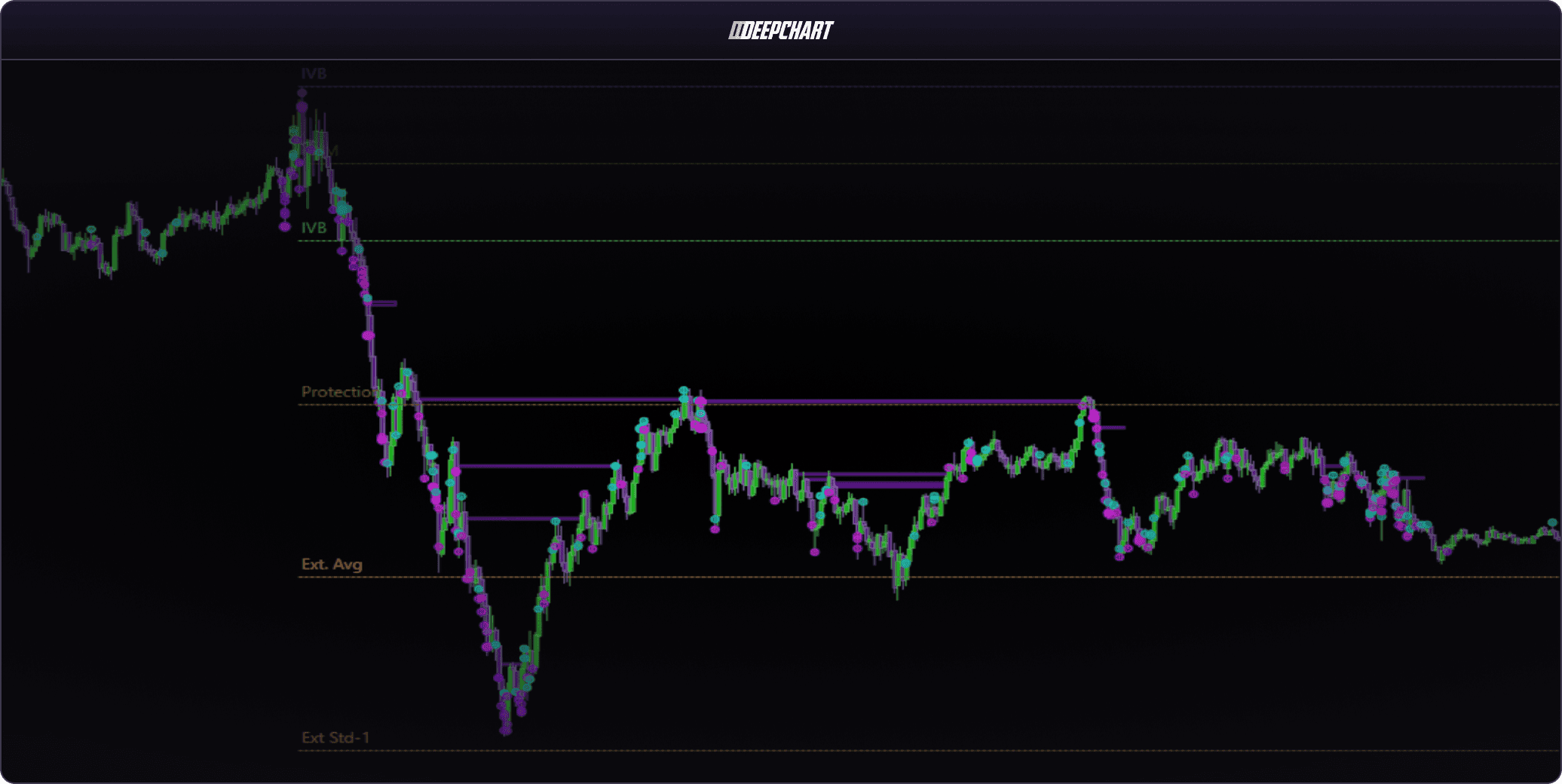
Deep Trades: Spot Institutional Activity Before It Moves Price
Visualizes large, aggressive market orders in real time, highlighting significant buy and sell activity directly on chart. The Big Trades Analysis algorithm auto-calibrates thresholds per symbol based on price behavior and volatility.
- Real-time large order visualization with customizable markers
- Automatic or manual threshold filtering
- Horizontal zones plotted at significant trade levels
- Historical trade data loaded directly on the chart
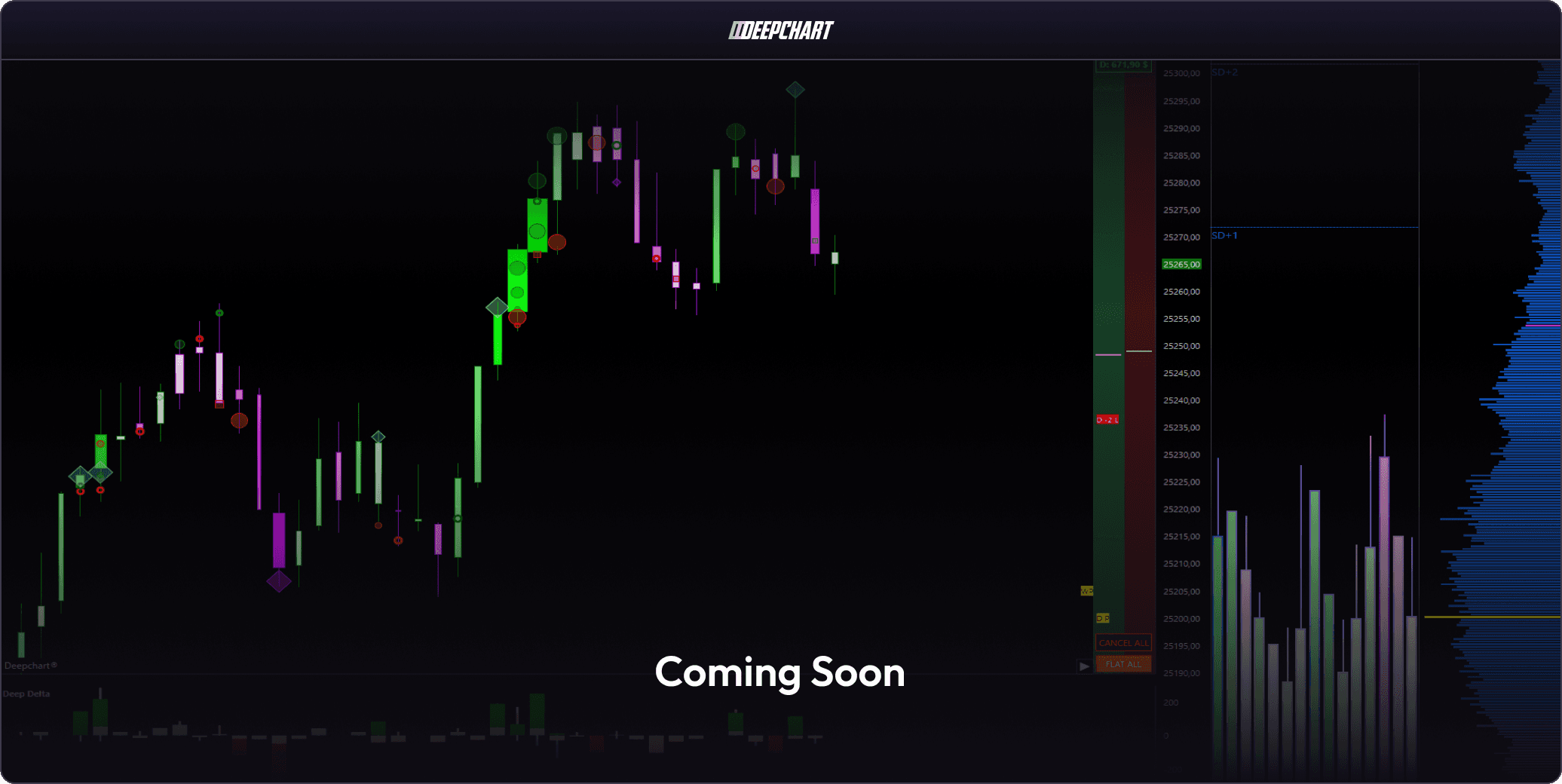
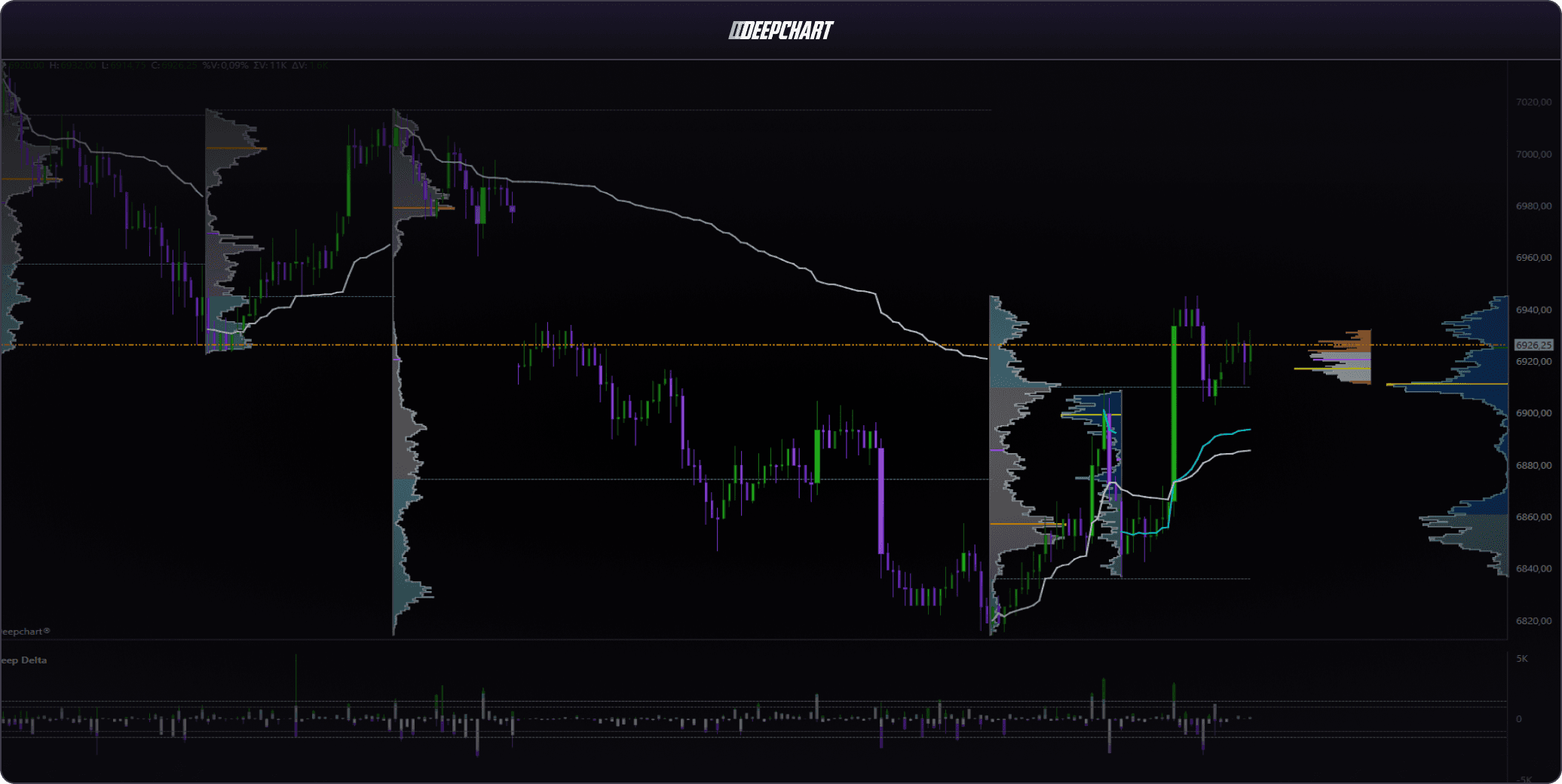
DeepCharts Volume Profile: Without Limits
Daily, weekly, composite, and custom-session profiles with delta profiles showing net buying vs. selling at every level. Supports pseudo-profiles spanning 10+ years, VolBars®, Range charts, Renkos, and TPO.
- Delta profile showing directional conviction at each level
- Composite profiles with custom lookback periods
- VWAP, VWAP bands, and anchored VWAP
- Value area, POC, and volume node identification
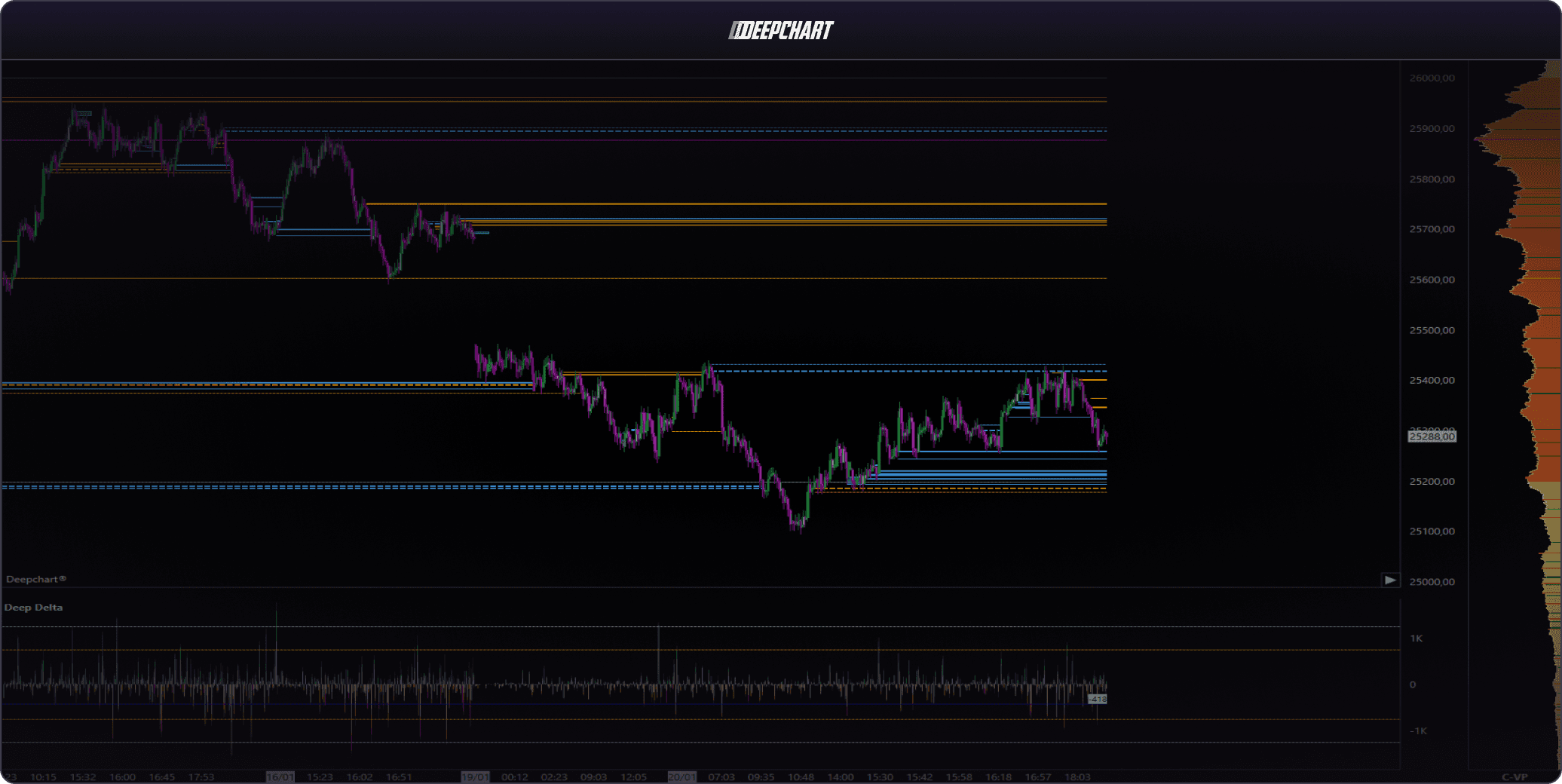
DeepCharts DOM: Advanced Order Book Scalping
The DeepCharts DOM ladder adds historical order tracking to your depth-of-market view. See when large limit orders were placed, pulled, or filled. Execute with one-click precision directly from the book.
- Color-coded heatmap showing historical liquidity
- Historical limit order tracking: placements and pulls
- Iceberg and stop order detection via MBO data
- One-click execution directly from the DOM
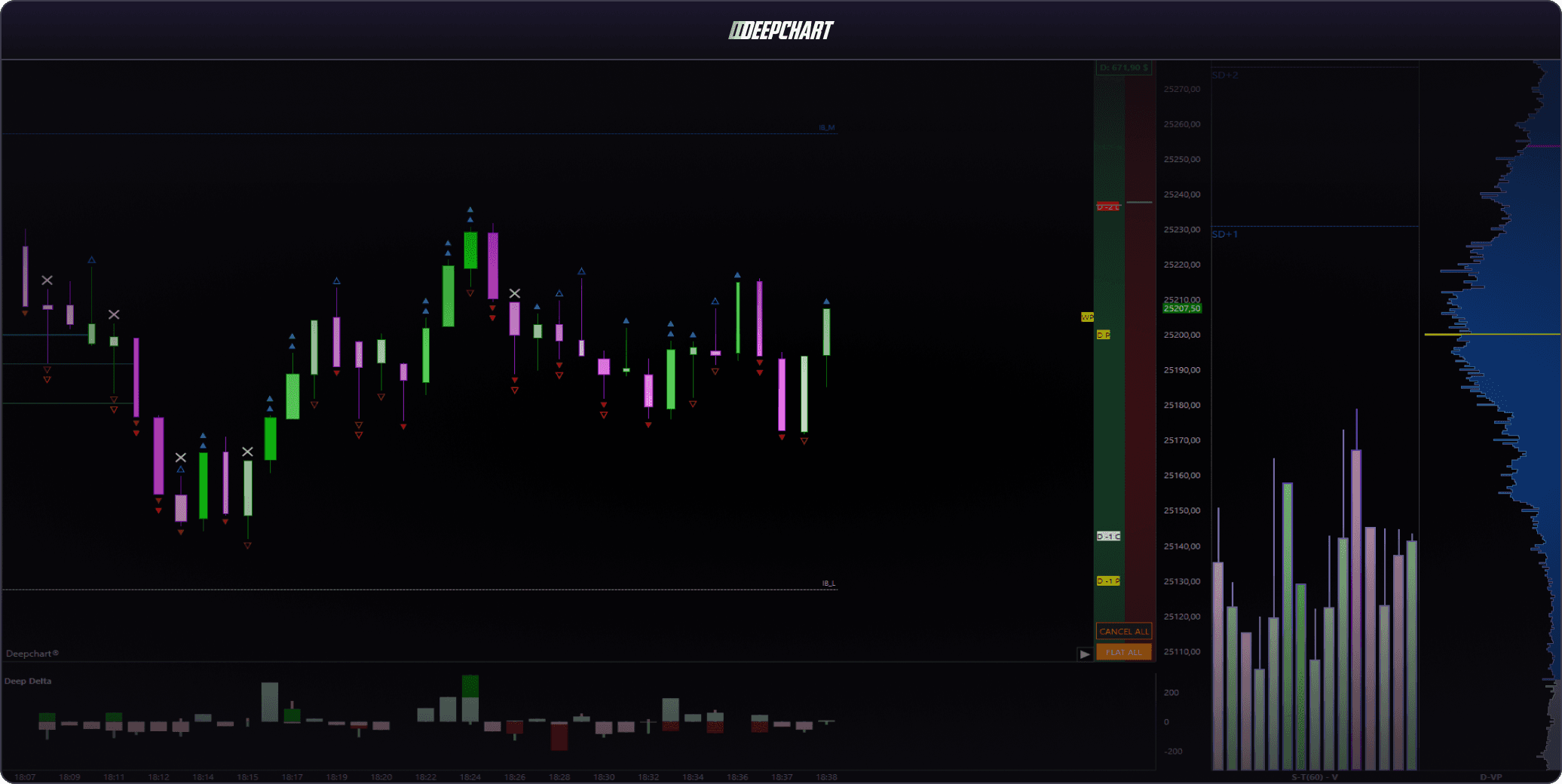
DeepCharts Deep Replay: Master Order Flow Before You Risk a Dollar
Replay any historical session tick-for-tick. Footprint charts render accurately throughout, exactly as they would live. Practice reading Deep Trades, absorption, and imbalances without capital at risk.
- True tick-for-tick replay, not bar-based approximation
- All DeepCharts order flow indicators active during playback
- Backtest with demo account, track results to the contract
- Adjustable speed: 1×, 2×, 5×, 10×
DeepCharts Execution: Professional Trading Terminal
Execute directly from the chart, DOM, or panel. Build automated OCO strategies, brackets, breakeven moves, and trailing stops, client or server-based. All without leaving the platform.
The built-in Trade Copier syncs executions across multiple accounts or prop firm evaluations instantly.
- One-click execution from chart, DOM, or panel
- Automated OCO strategies and bracket orders
- Trade Copier across multiple accounts simultaneously
- Daily P&L limits and hard stop enforcement built in
Analyze, Backtest, Track
DeepCharts Auto-Tracker
All in One Place
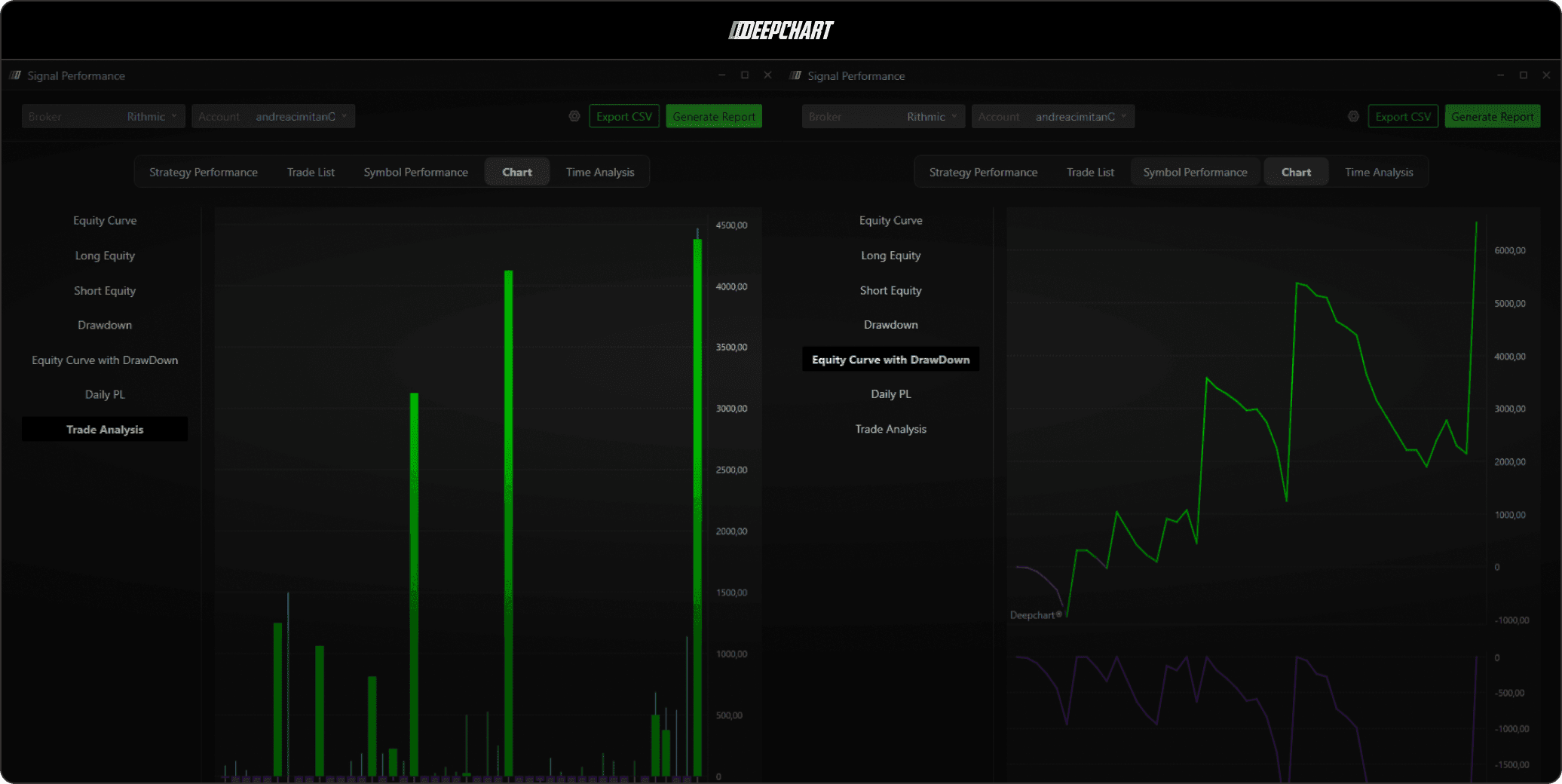
No need for 100 platforms. DeepCharts automatically journals every trade, builds your equity curve, and surfaces your performance data, all without manual input.
Automated Trade Journal
Every execution captured automatically. Equity curve, daily P&L, drawdown, win rate: always current, never manual.
Strategy & Symbol Performance Reports
Filter by strategy, symbol, time of day, or session. Export to CSV. Identify exactly where your edge is, and where it isn’t.
Trade Copier
Run multiple accounts or prop firm evaluations simultaneously. All executions synced instantly, with no third-party software required.
The Data Advantage
DeepCharts + Optimus Futures:
Why the Data Feed Matters
Deep Prints and Deep Trades require Market-By-Order (MBO) data: the sequence-level exchange feed showing every individual order. Without it, footprint cells render incomplete and the institutional filter loses accuracy.
Optimus Futures provides direct Rithmic and CQG connectivity: unfiltered, sequence-level data straight from the exchange to your DeepCharts workspace.
Getting Started
How to Access DeepCharts Through Optimus
Open Your Optimus Account
Complete our quick online application. CFTC/NFA-regulated. Most accounts approved within one business day.
Select DeepCharts as Your Platform
Choose DeepCharts during onboarding and select Rithmic or CQG as your data feed.
Log In and Start Trading
Download and install DeepCharts on your Windows PC. Enter your license key and connect your Rithmic or CQG data feed. You're ready to trade.
Trusted by futures traders around the world
Read ReviewsDeepCharts FAQ
How does DeepCharts integrate with Optimus Futures?
When you open and fund an Optimus Futures account and select DeepCharts as your platform, you can connect via Rithmic or CQG. Rithmic is commonly preferred for full Market-By-Order depth used by DeepCharts tools.
Does DeepCharts require a download?
Yes. DeepCharts is a Windows desktop application. After subscribing, download the installer from your DeepCharts account, run the .exe, and enter your license key to get started.
What data feed does DeepCharts need for order flow tools?
DeepCharts order flow tools rely on high-quality exchange data. Optimus supports Rithmic and CQG connectivity, with Rithmic often selected for full MBO depth.
Have more questions?
View our complete FAQ center or reach out to our dedicated support team, we're here to help.
Contact Us